Lossless Watermark Removal: How It Works
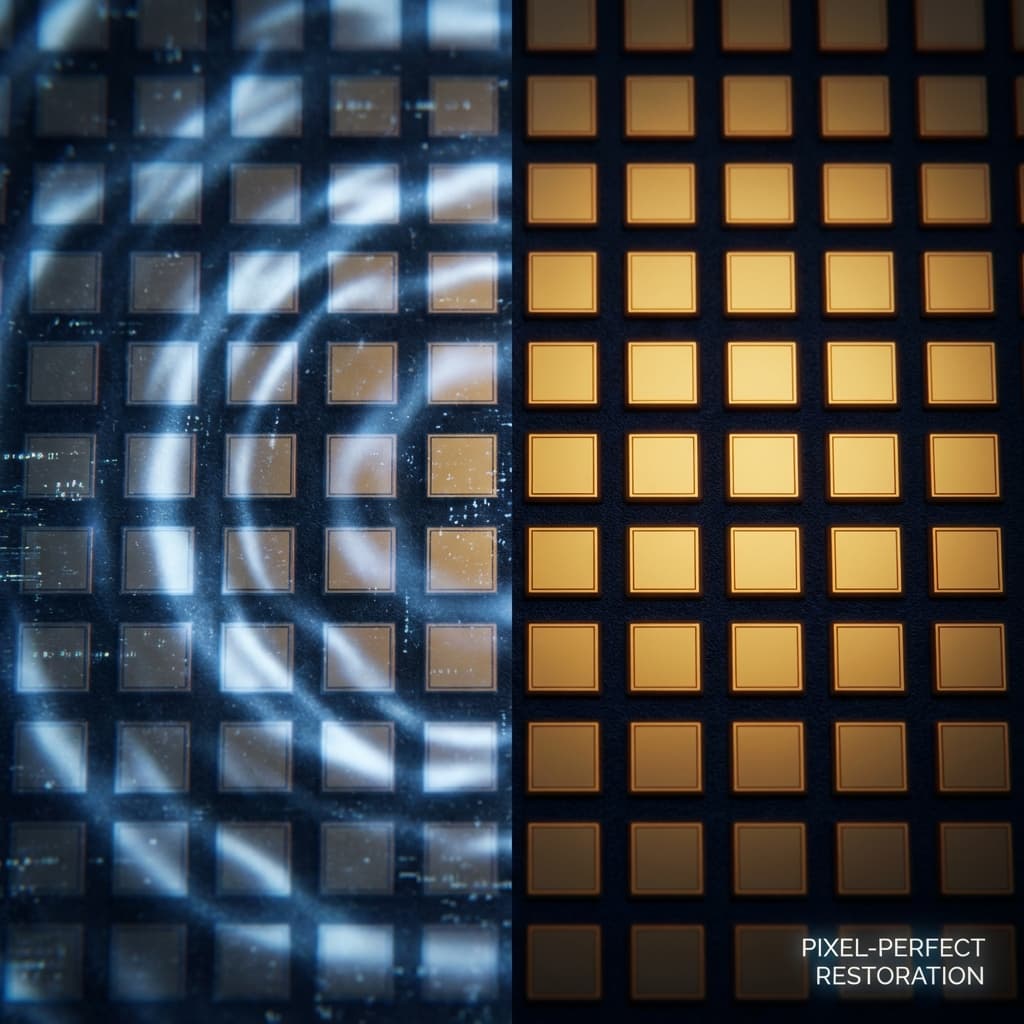
Does removing a watermark reduce image quality? With Purity, no. We restore the original pixels instead of guessing, so you keep 100% resolution and detail.
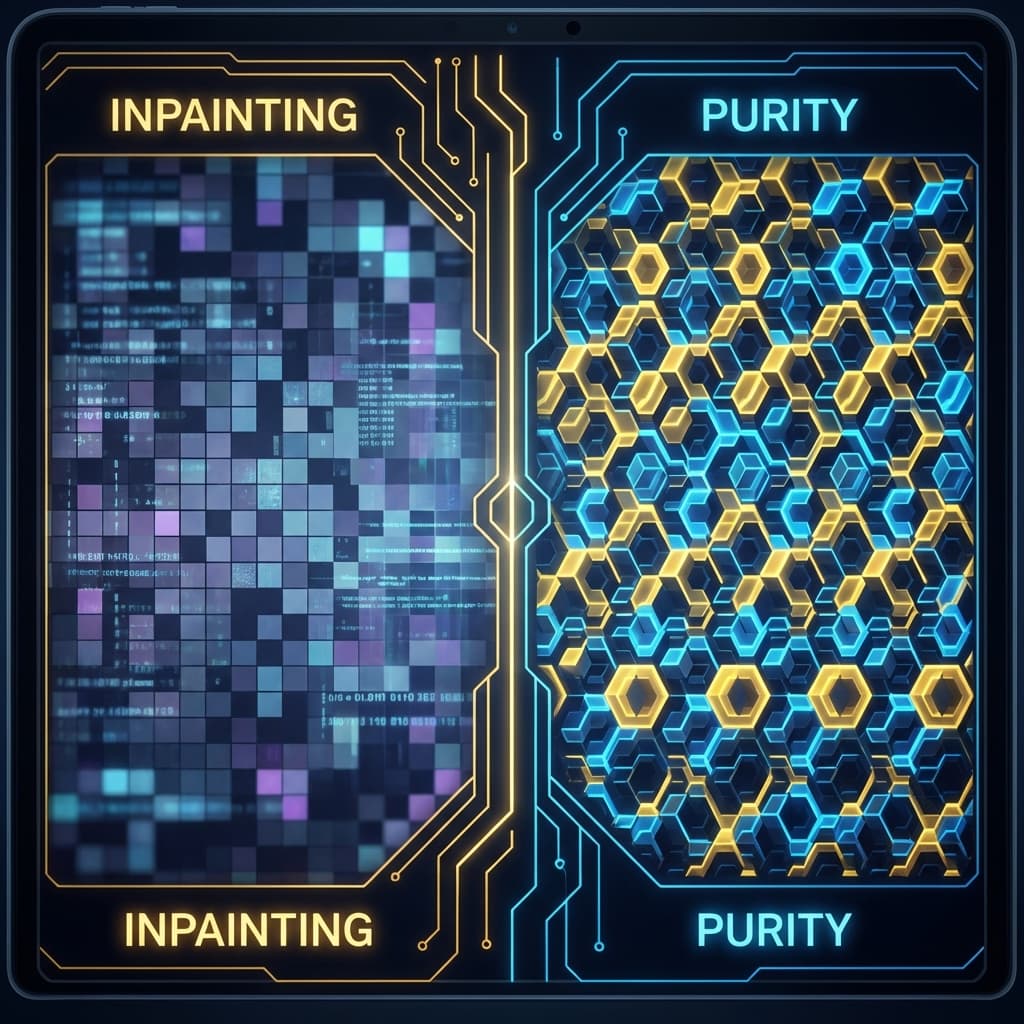
Most editors use "Content-Aware Fill"—they guess what's behind the watermark. They guess wrong. Purity doesn't guess. We restore the mathematical encoding so the image is exactly as it was before the watermark.
Restoration vs. Manipulation
When an AI adds a watermark, it doesn't delete pixels; it modifies their values mathematically.
- The Old Way: Overwrite the area with blurred colors. Result: Artifacts.
- The Purity Way: Reverse the mathematical shift. Result: Original Detail.
Pixel-Perfect Results
Whether you're working with 4K generations or highly detailed portraits, Purity preserves:
- Skin Texture: No smoothing or blurring.
- Fine Lines: Hair and architectural details stay sharp.
- Color Accuracy: No color bleeding in the watermark area.
Stop Settling for Blurry Spots
Your 4K generations deserve better than a "smudge" tool. Use the engine built for high-resolution AI data.

Explore Purity
Watermarks ruining your perfect generations?
Join thousands of creators using Purity for pixel-perfect, lossless AI watermark removal. Instant processing, pro quality.
Try Purity Free