
Remove Gemini Watermarks in 3 Seconds
Key Takeaways
- 01.Gemini watermarks (SynthID) are embedded in pixels, not just overlays.
- 02.Purity uses Reverse Alpha Blending for 100% lossless removal.
- 03.The process is instant (3s) and preserves original resolution.
How do you remove Gemini watermarks? You can remove them in about 3 seconds with Purity: upload your Gemini image, run the tool, and download a lossless, watermark-free file. No signup required for the free tier.
Google Gemini images look great until you notice the invisible watermarks. They're not overlays—they're embedded in the pixels (SynthID). Most tools can't handle that. Purity is built for it.
Why Purity?
Most "removers" just blur the area. Purity uses Reverse Alpha Blending to restore the original pixels.
- 100% Lossless: No quality drop, ever.
- SynthID Ready: Specifically tuned for Gemini's latest watermarks.
- Instant: Upload, wait 3 seconds, download.
3 Simple Steps to Clarity
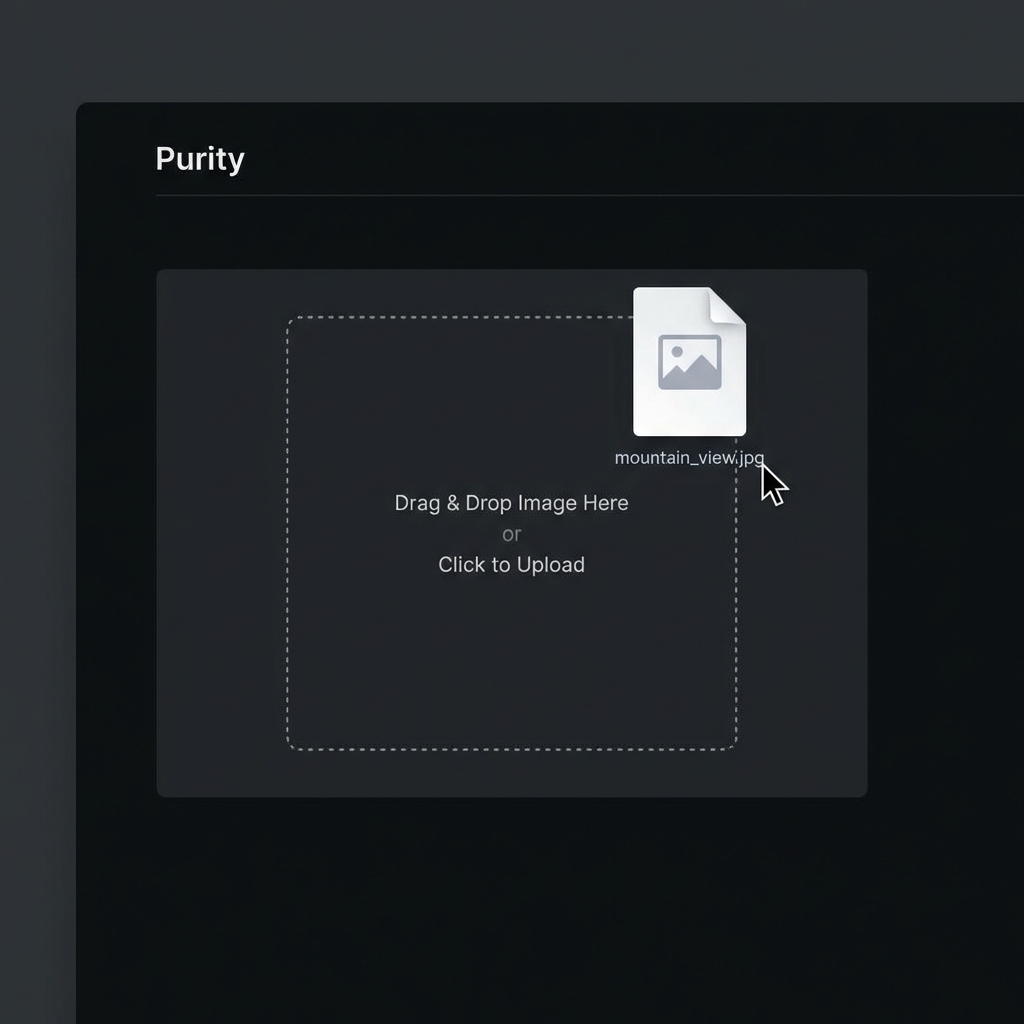
1. Upload
Drag your Gemini generation into the workspace. Our engine detects the watermark signature immediately.
2. Restore
Purity analyzes the digital fingerprint and surgically removes the watermark without touching your content.
3. Download
Get your clean, professional-grade image. Ready for e-commerce, portfolios, or print.

Purity vs. The Competition
| Feature | Purity | Others | |---------|------------|--------| | SynthID Removal | ✅ | ❌ | | Pixel-Perfect | ✅ | ❌ | | Speed | 3s | 30s+ | | Result | Crystal Clear | Blurry/Fail |
Stop Settling for Watermarks
Your creativity shouldn't be branded by an AI. Whether you're a designer, store owner, or hobbyist, Purity gives you the professional edge.
Need unlimited extractions? Get Pro Lifetime for just $10.

Explore Purity
Watermarks ruining your perfect generations?
Join thousands of creators using Purity for pixel-perfect, lossless AI watermark removal. Instant processing, pro quality.
Try Purity Free